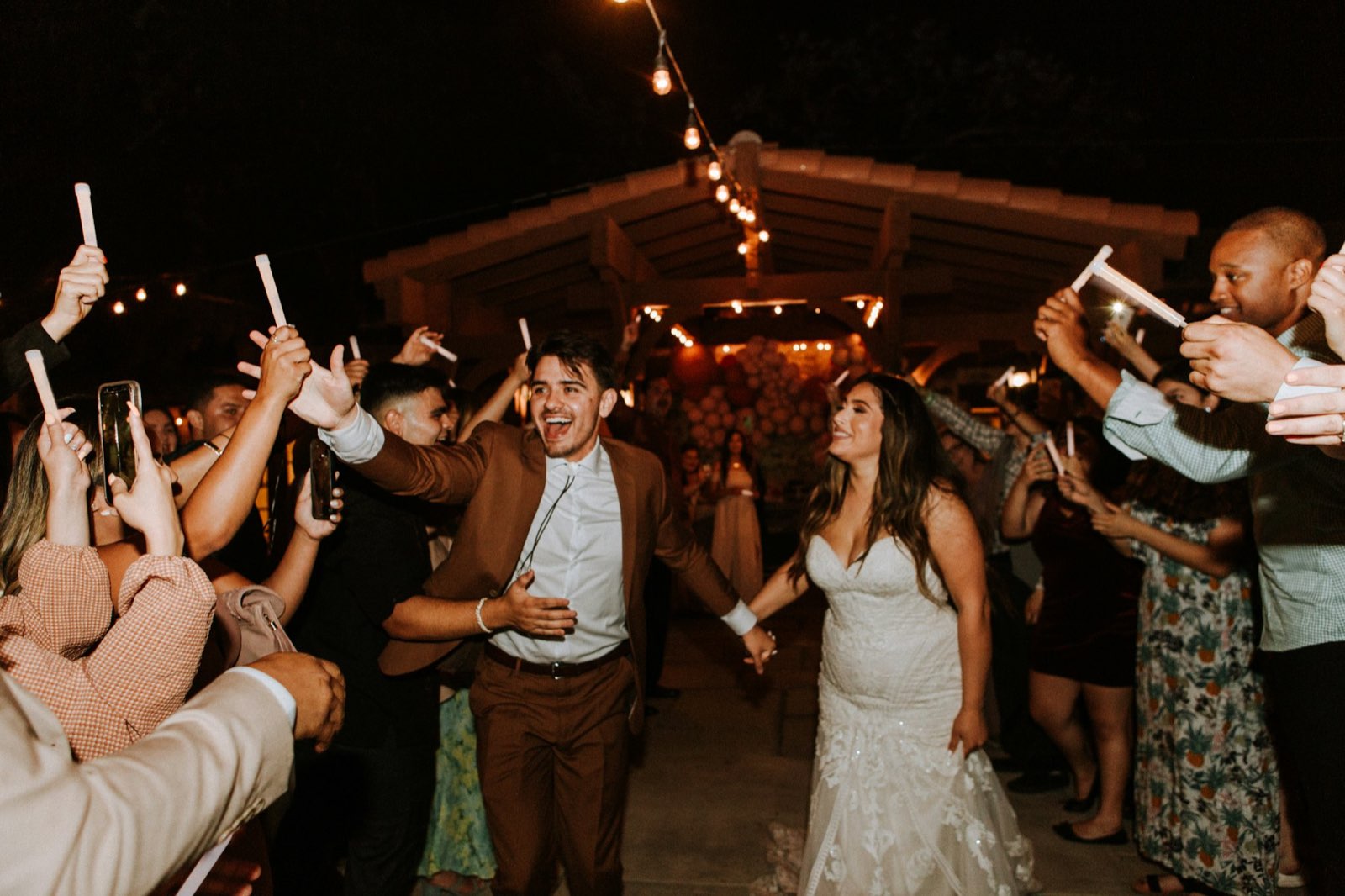
Wedding song requests by QR code.
Guests scan a code, pick a song from their phone, and Dekk plays it. Between requests, Dekk keeps playing songs in the same vibe. No app, no account, no paper cards.
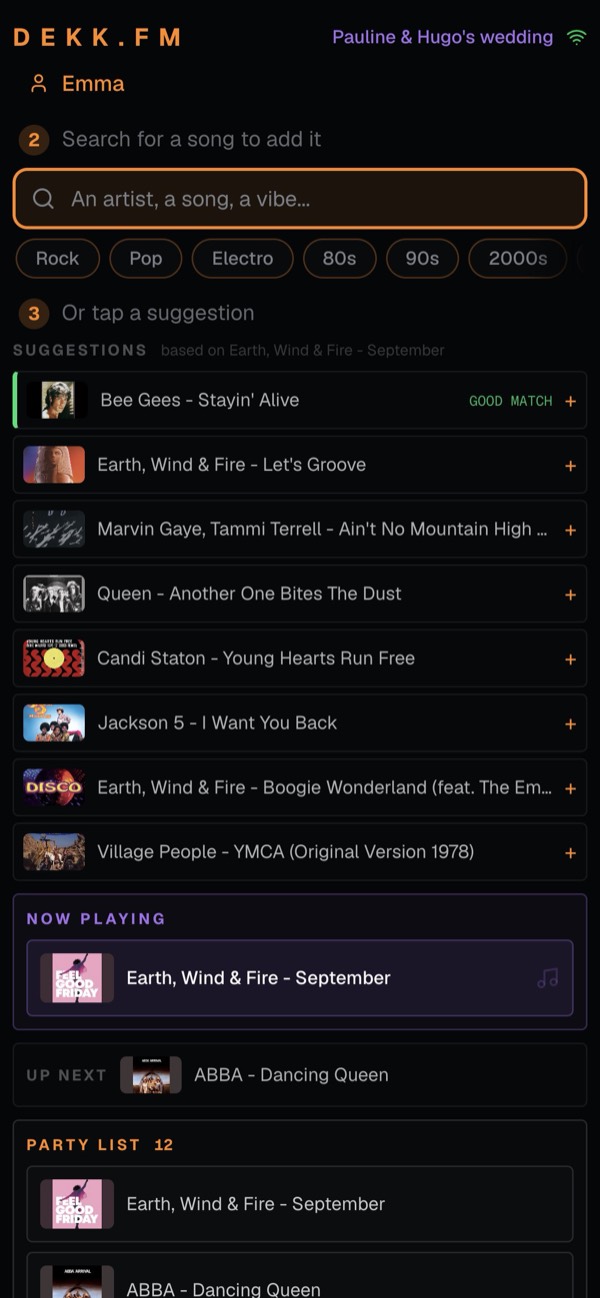
How do guests request songs with a QR code?
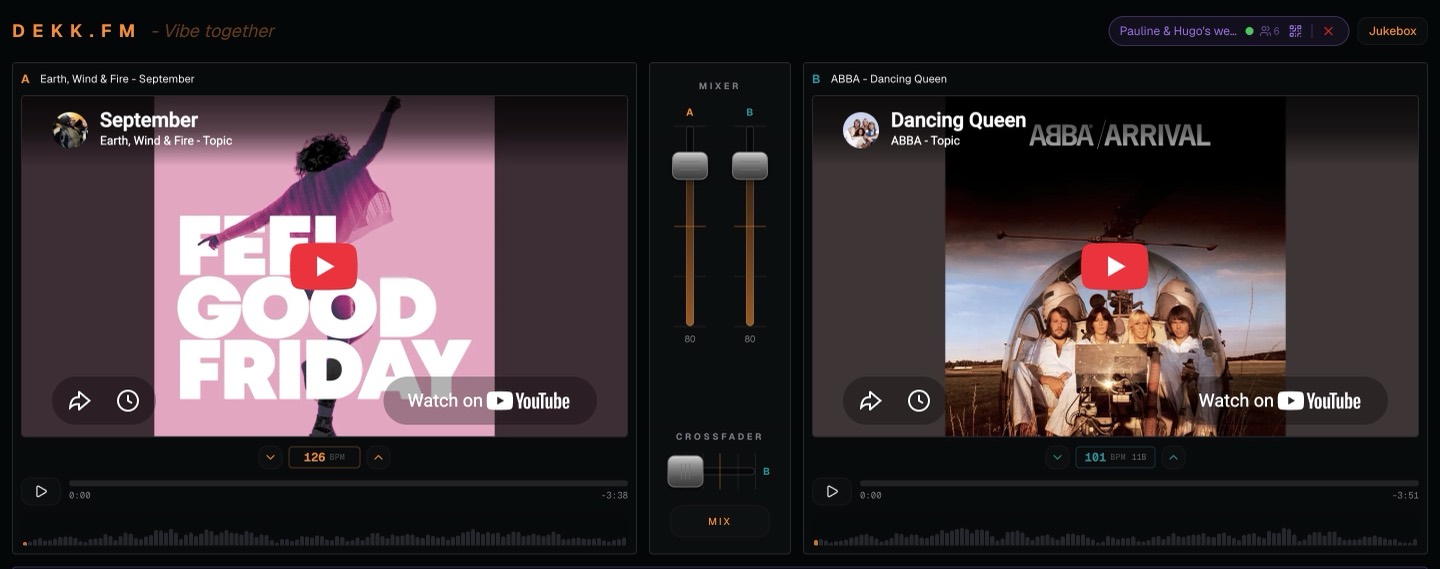
Start a party
Open Dekk on the laptop or TV that plays the music. Name your party, like Pauline & Hugo's wedding.
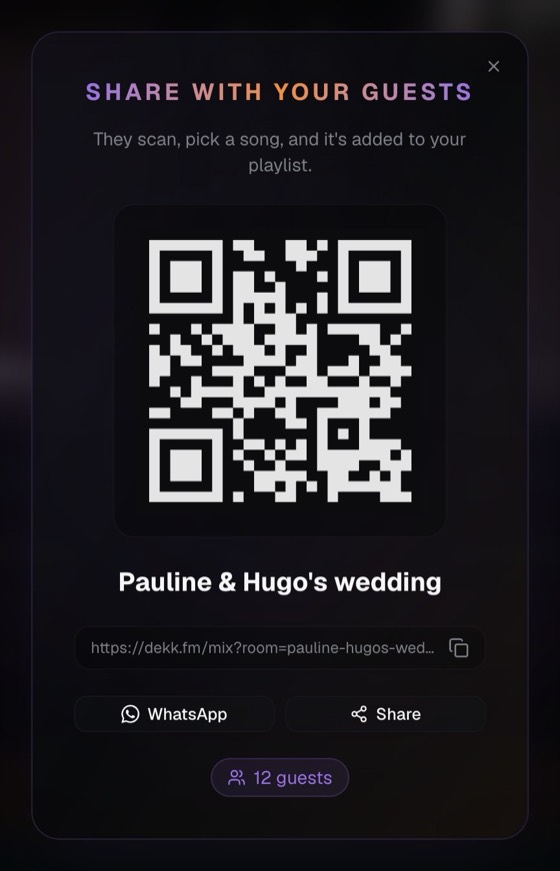
Show the QR code
Put it on the screen or send the party link in your WhatsApp group. Guests scan it with their phone camera.
Guests add their songs
They search a song or tap a suggestion. It lands in the queue and plays in turn, with smooth transitions.
Made for the parties where everyone has a song to ask for.
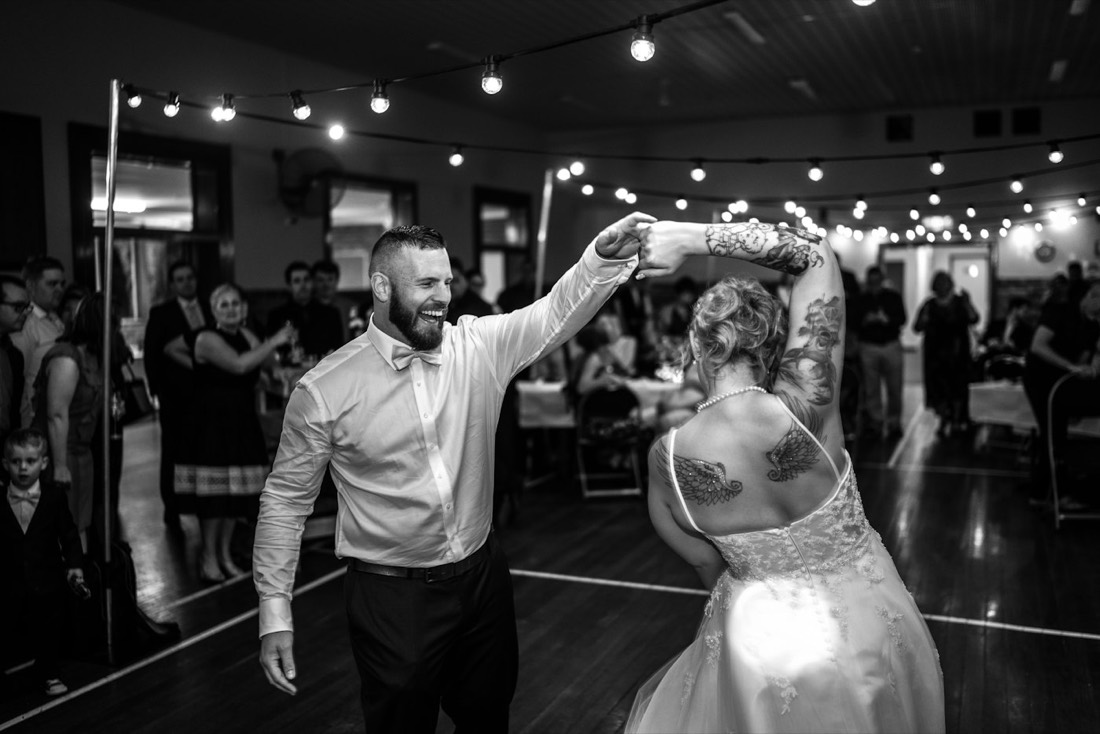
Weddings
Every guest gets their song, without queuing at the DJ booth.

House parties
Nobody fights over the speaker.

Student nights
The whole room builds the playlist.
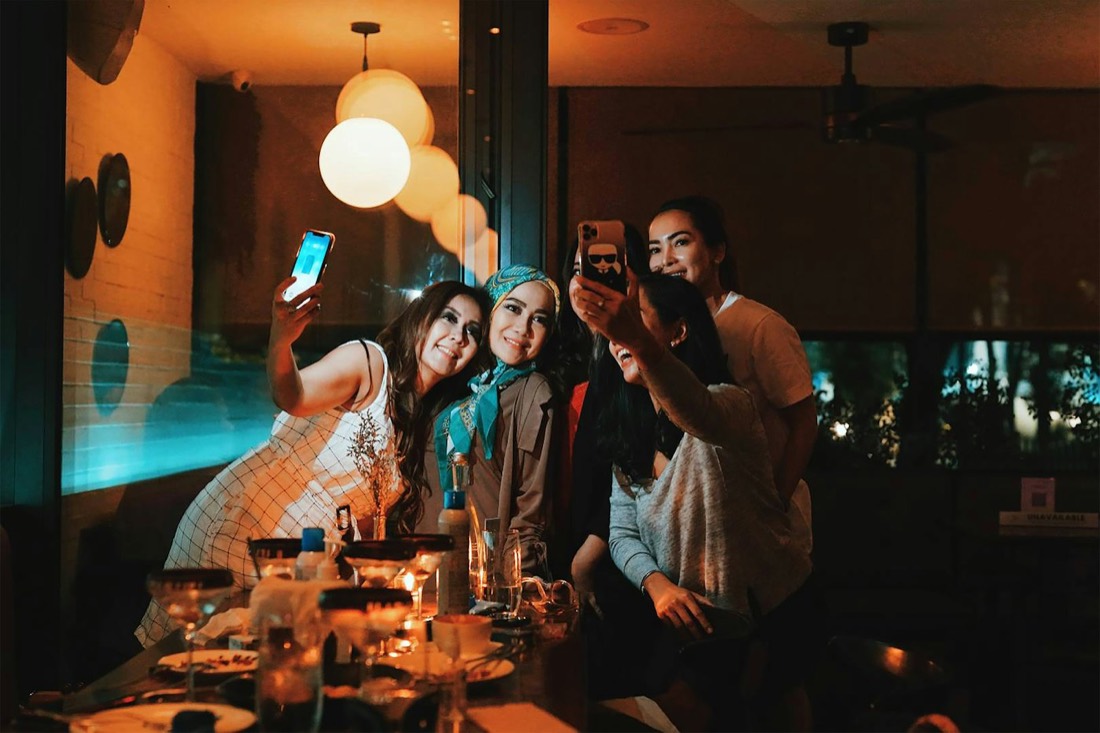
Small bars
Put the QR code next to the screen and let regulars pick.
Questions people ask
Can you have a wedding without a DJ?
Yes. Dekk plays the songs in order and blends one into the next, so the dance floor keeps going. Guests choose the music, you keep control of the queue.
What happens when nobody requests a song?
The music keeps going. Dekk picks songs similar to the one playing and blends them in until a guest adds a new request.
Do guests need to download an app?
No. They scan the QR code with their phone camera and the page opens in the browser. No account either.
Is it free?
Yes. Dekk is free and plays music from YouTube, so nobody needs a music subscription.
Can I print the QR code for the tables?
Yes. Take a screenshot of the code and print it, or simply show it on the screen.
Your guests already know what to play.
Start a party in a few seconds.