
No DJ? Dekk mixes your YouTube party.
Add a few songs, or let friends add theirs. Dekk blends each one into the next like a DJ, then keeps finding songs in the same vibe. The music never stops. Free, in your browser.
How does Dekk mix your YouTube songs?
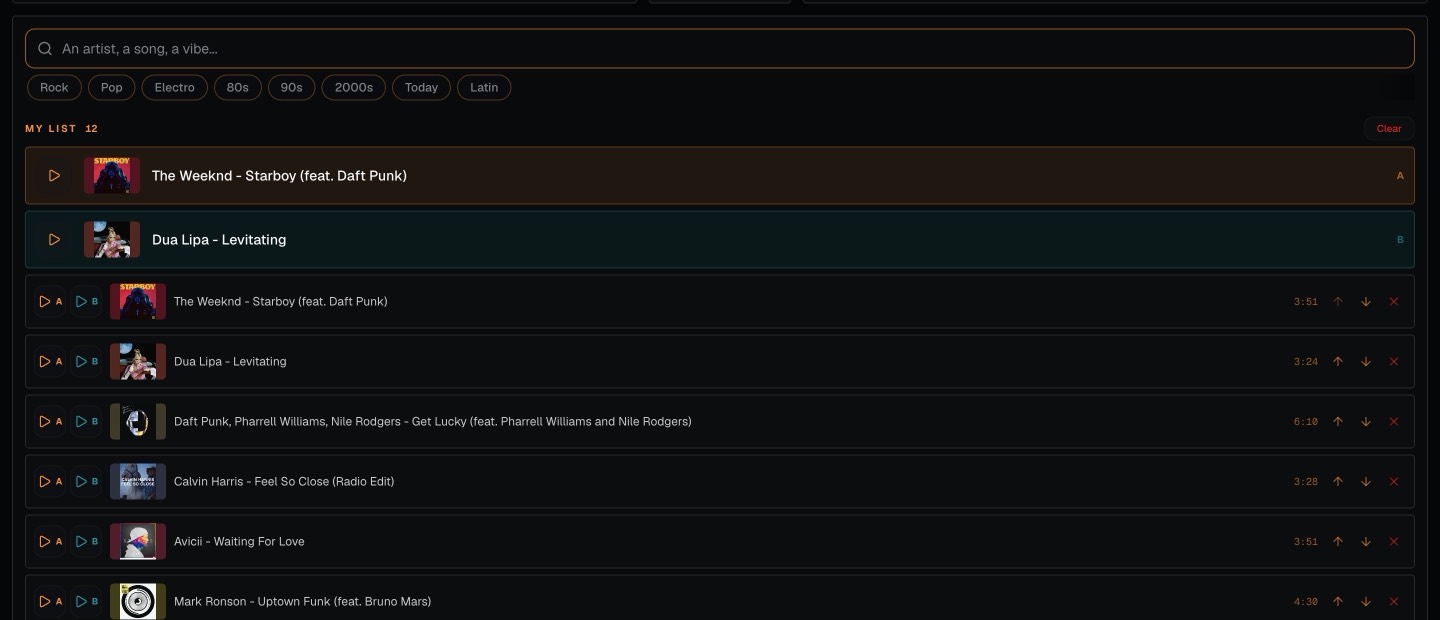
Fill the queue
Search any song on YouTube, or start a party and let your friends add songs from their phone.
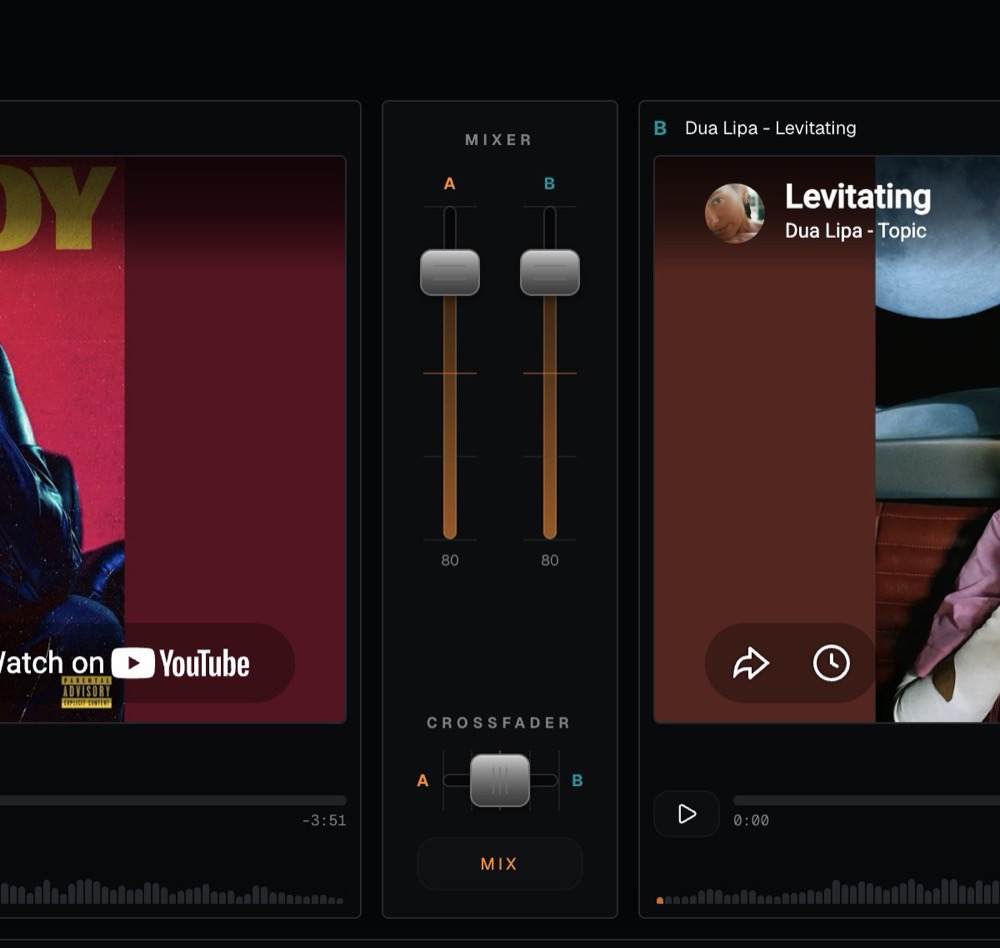
Dekk does the transitions
Near the end of each song, Dekk fades into the next one. When your list runs out, it picks similar songs on its own and keeps going. No gap, no silence, nobody stuck at the laptop.
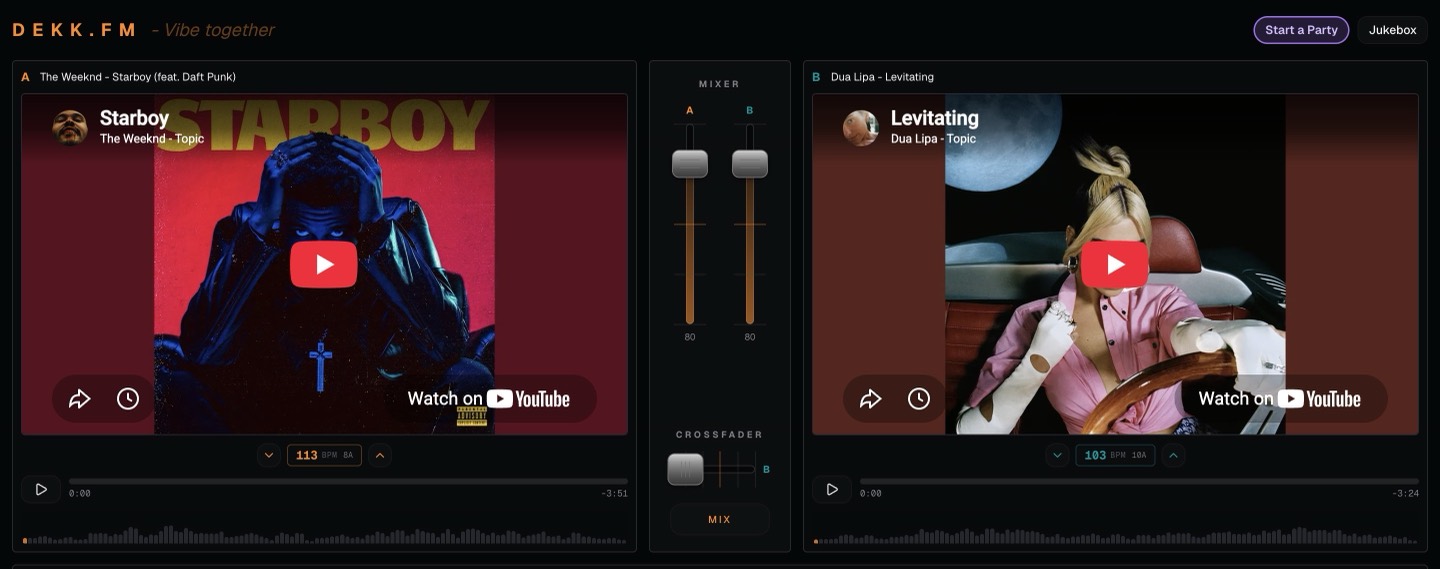
Take over when you want
Two decks and a crossfader are there if you feel like mixing yourself. Press MIX for a three-second transition.
For parties where nobody wants to play DJ all night.

House parties
One laptop, one speaker, and the music keeps going on its own.
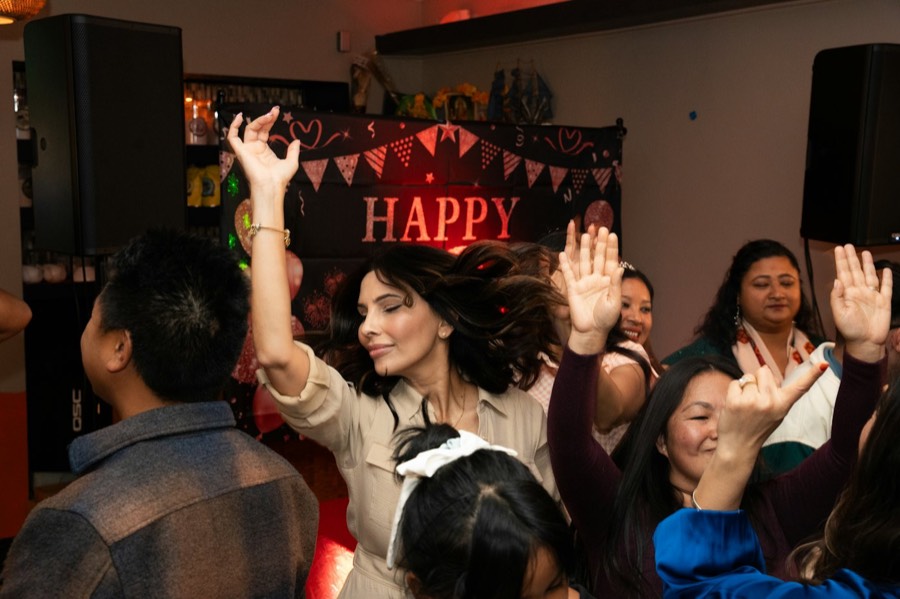
Birthdays
Friends add their songs, Dekk keeps them flowing.

Nights in
Keep the music going without touching the playlist.

Small bars
A YouTube jukebox that mixes itself.
Questions people ask
Can YouTube songs crossfade automatically?
Yes. Near the end of each song, Dekk fades into the next one in your queue, so the music never stops between two songs.
What happens when the playlist ends?
The music keeps going. Dekk picks songs similar to the one playing, skips the ones already played, and blends them in until someone adds a new song.
Do I need a DJ for my party?
No. Fill the queue, or let your friends add songs, and Dekk handles the transitions. You can still take over with the two decks whenever you want.
Can my friends add songs?
Yes. Start a party and show the QR code. Guests scan it with their phone and add songs to the queue, no app needed.
Is it free? Do I need to download anything?
It's free and runs in your browser. No download, no account.
Does it work with Spotify?
No. Dekk plays music from YouTube, so nobody needs a Spotify or any music subscription.
Can I use it on my phone?
Your phone gets a simplified player. For the full mixer, use a laptop or a computer connected to the speakers.
Your party, mixed like a DJ.
Add a few songs and let Dekk do the rest.