
Spotify Jam without Premium.
You want a party where everyone adds their songs, but not everyone has Premium. Dekk does that for free, with music from YouTube. Friends scan a QR code. No app, no account.
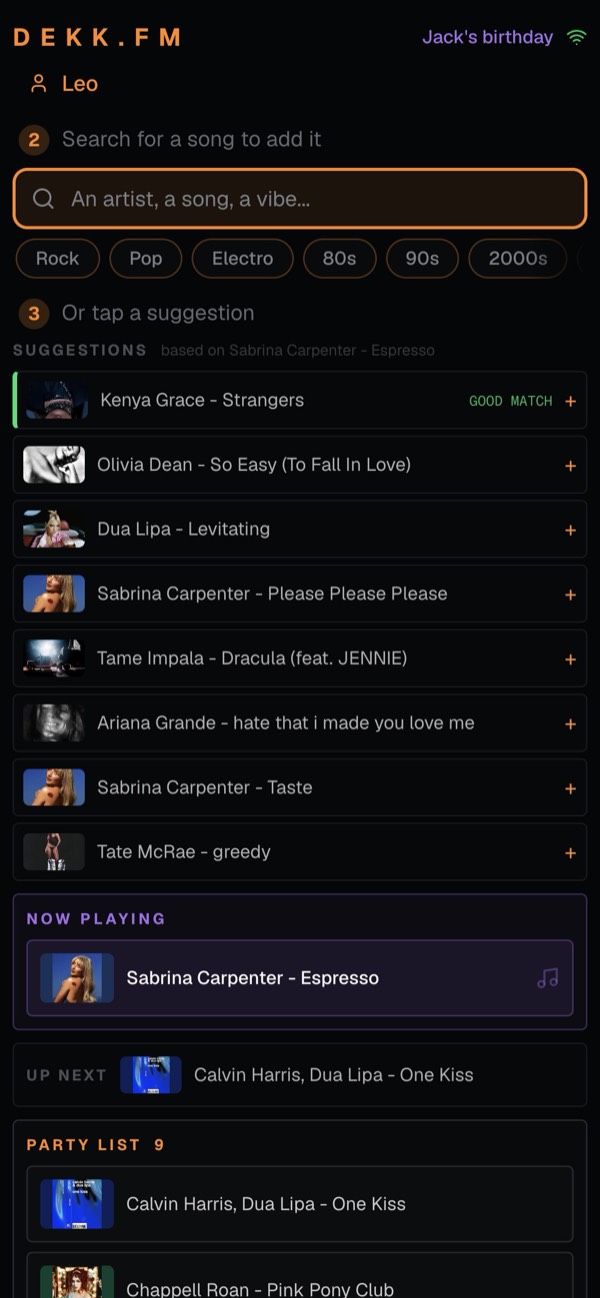
A shared playlist for the whole party, without a subscription.
Spotify's help page says Premium is needed to start and host a Jam. With Dekk, nobody needs a subscription, not even the host.
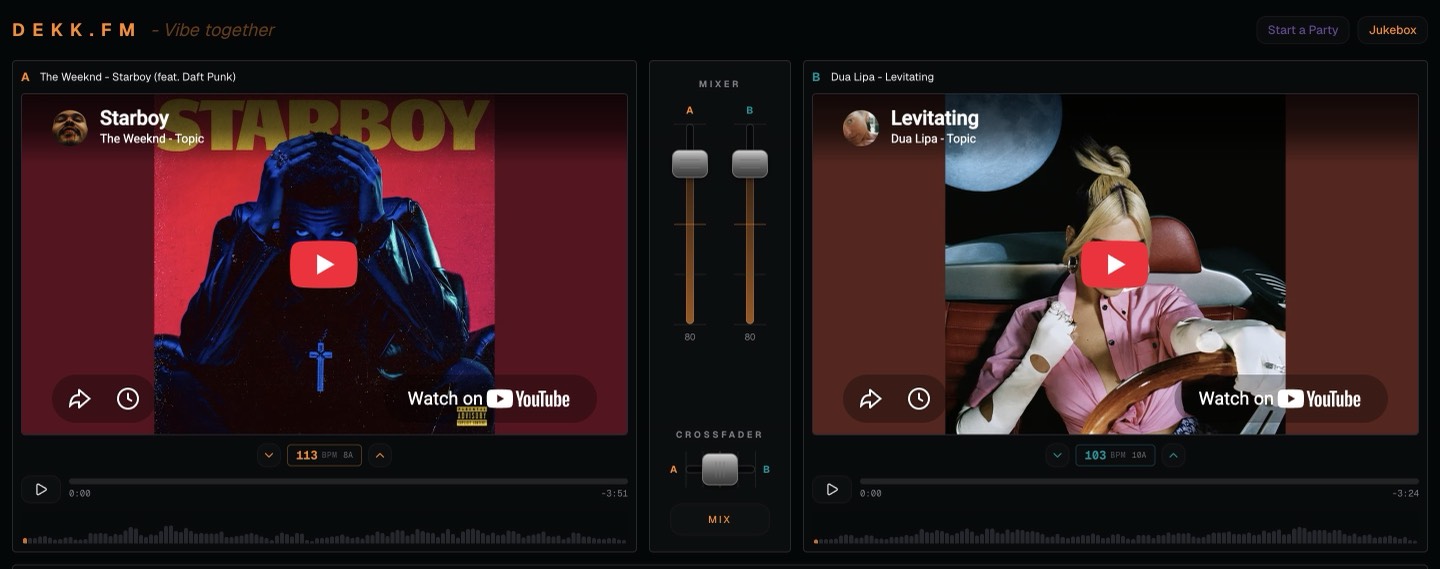
Start a party
Open Dekk on the laptop or TV that plays the music and tap Start a Party. Give it a name, like Jack's birthday.
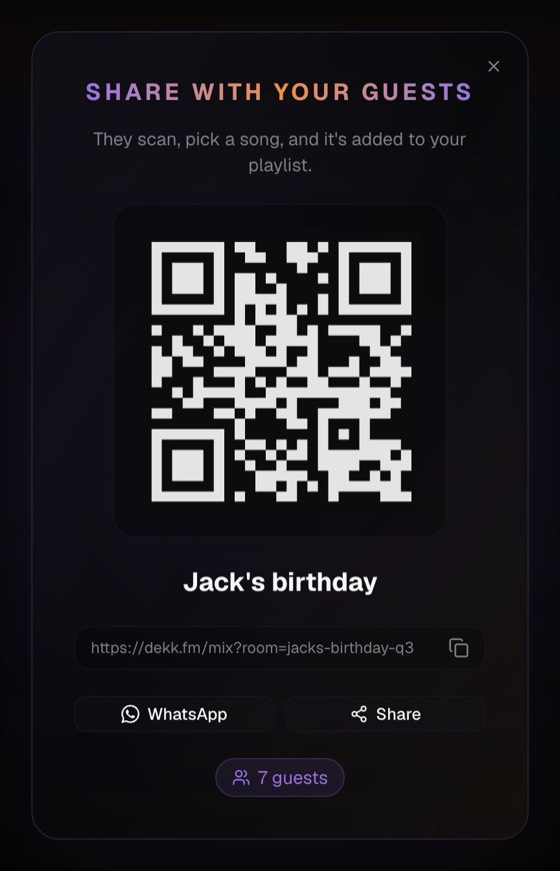
Friends scan the QR code and add songs
Show the QR code on the screen or send the link on WhatsApp. Friends scan it with their phone camera, type their first name, then search a song or tap a suggestion. No app, no account, no subscription.
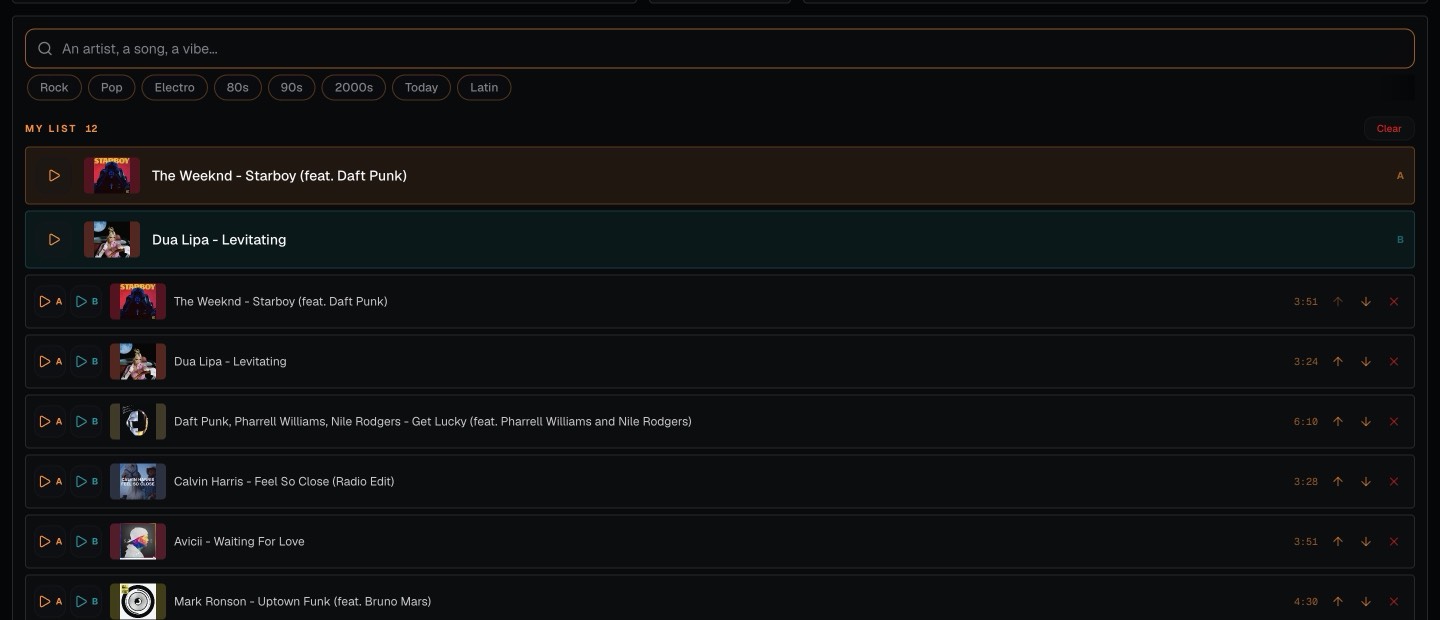
Dekk plays and blends everything, and keeps going
Songs play in turn and Dekk fades from one to the next. You stay in charge of the queue: remove or reorder songs. If the list runs out, Dekk keeps playing songs close to the last one.
For the nights when everyone has a song to add.

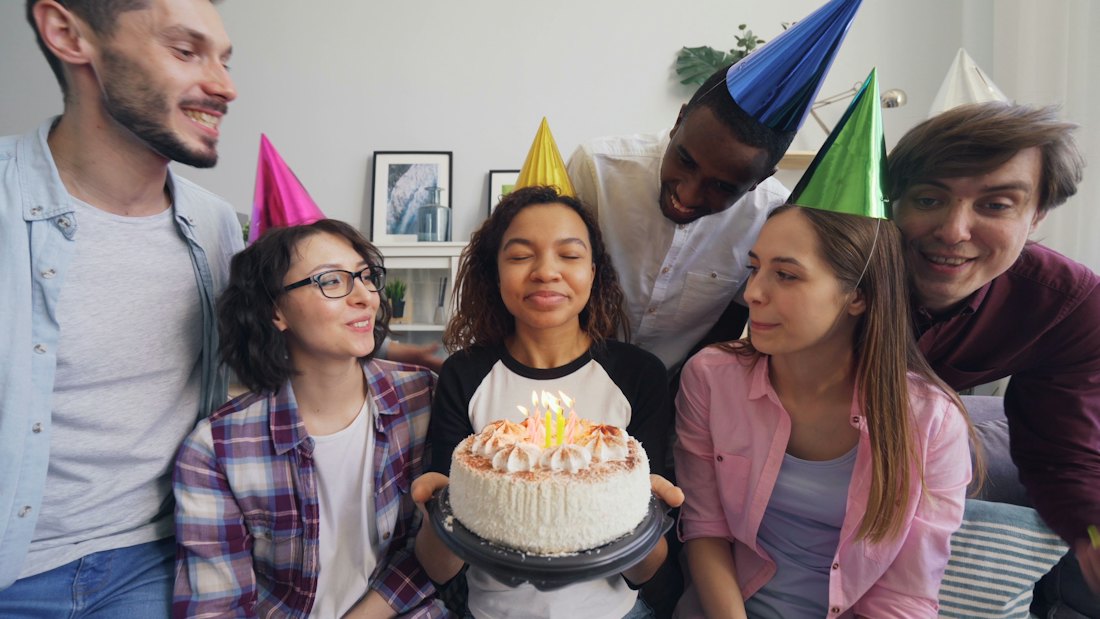
Birthdays at home
Everyone adds a song for the birthday person, whatever phone they have.

House parties
Nobody fights over the speaker.

Nights in
The whole sofa builds the playlist.
Surprise parties
Share the link in the group chat and let the guests fill the queue.
Questions people ask
Can you join a Spotify Jam without Premium?
Dekk is a separate tool, and on Dekk the answer is yes: nobody needs Premium or any music subscription. Friends scan the QR code with their phone camera, type their first name and add songs. No app, no account.
Is there a free alternative to a Spotify Jam?
Dekk is free. You start a party, friends scan a QR code, and everyone adds songs to the same queue. Dekk plays the music from YouTube and blends one song into the next.
Does Dekk need an account?
No. Neither you nor your friends need an account. Dekk runs in the browser, with nothing to download.
Does Dekk play music from YouTube?
Yes. The songs come from YouTube, so nobody needs a music subscription to host or to add songs.
What happens when nobody adds a song?
The music keeps going. When the list is empty, Dekk plays songs close to the one that just played, without repeating songs already played, until a friend adds a new one.
Can I host a party from my phone?
Yes, with a simplified player. For the full experience, with two decks and a mixer, use a computer. Your friends only need their phone.
Everyone adds songs. Nobody pays.
Start a party in a few seconds.
Spotify is a trademark of Spotify AB. Dekk is not affiliated with Spotify.