
A YouTube playlist player that never stops.
Add a few songs. Dekk plays them back to back with soft fades, then keeps going with similar songs when your list runs out. Continuous play, free, in your browser.
How do you play YouTube songs in a row, non-stop?
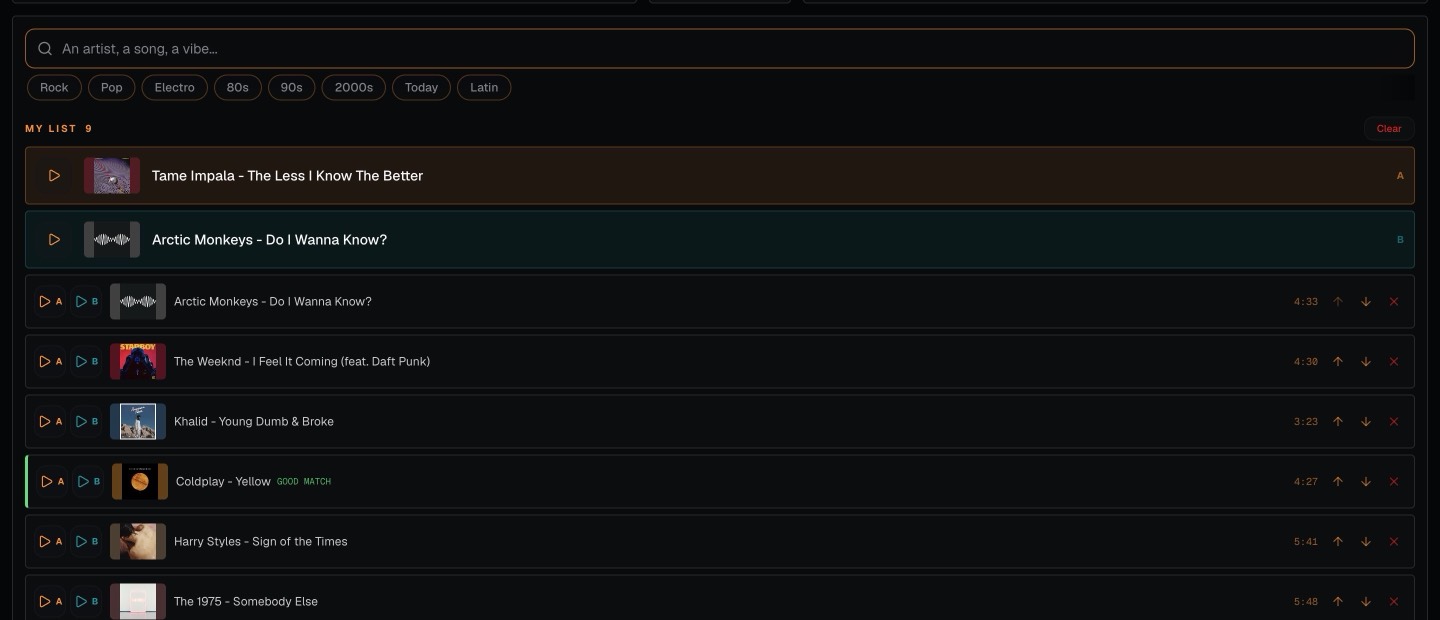
Add a few songs
Search for any song or artist on YouTube and add it to your list. A handful is enough to start, and you can add more whenever you like.
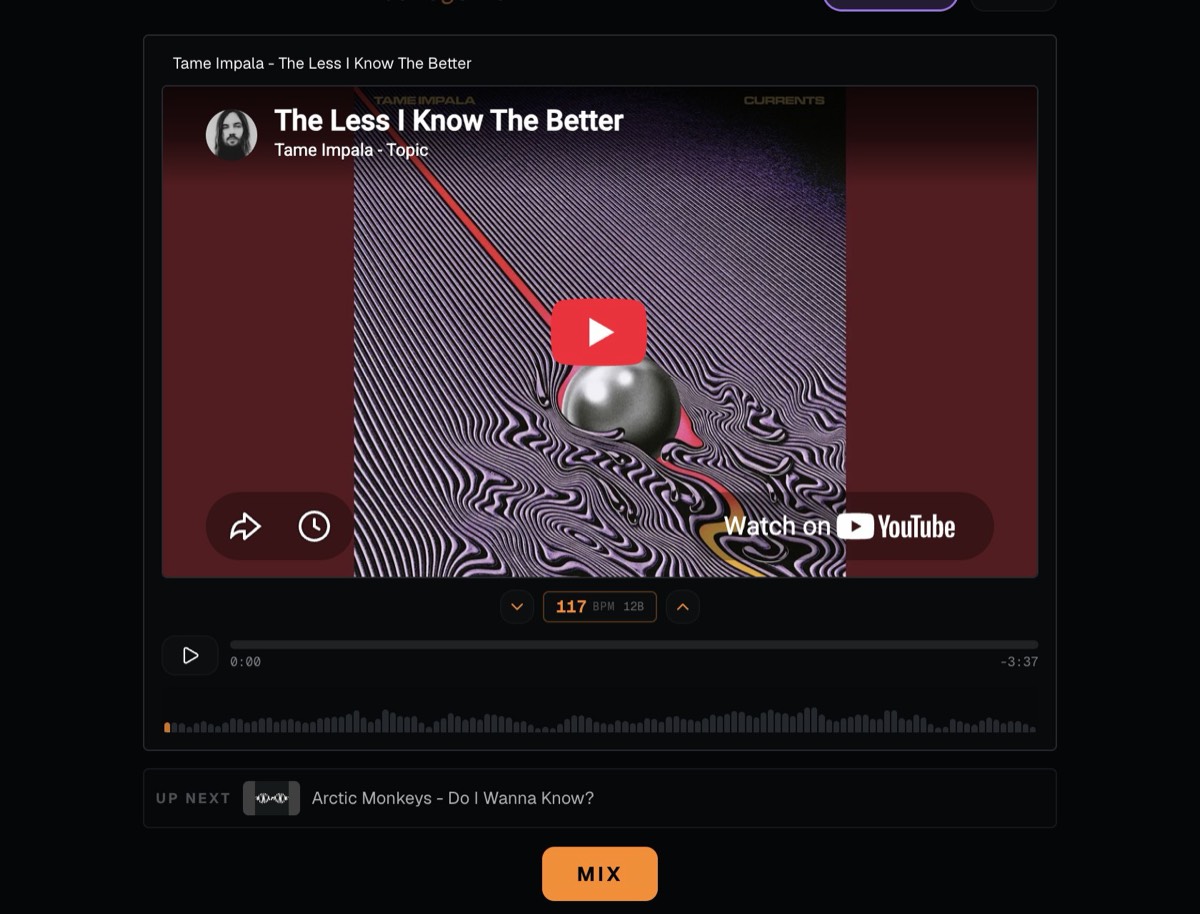
Dekk plays them back to back with smooth fades
About 15 seconds before a song ends, Dekk fades into the next one. The player shows what is playing and what comes UP NEXT, and the MIX button blends into the next song right away if you want to skip ahead.
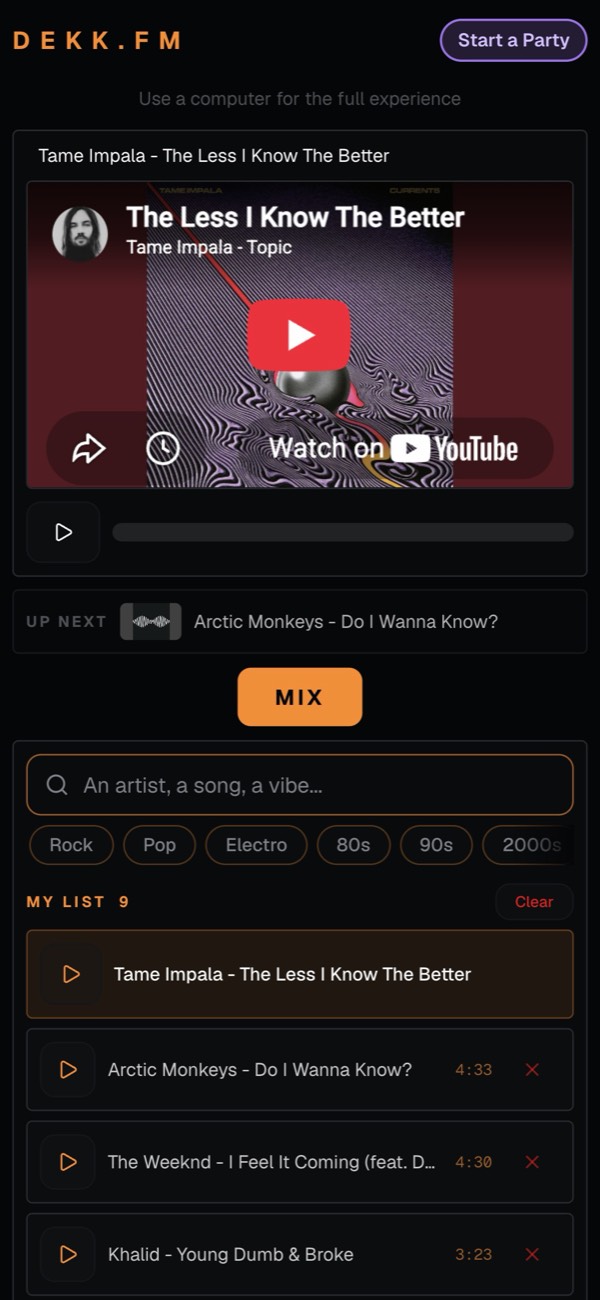
It keeps going with similar songs
When your list is empty, Dekk picks songs close to the one that just played and skips the ones you already heard. On a phone you get a simplified player that does the same job, with the full two-deck view on a computer.
For when you just want the music to carry on.

Working from home
Put on a few songs and get on with your day. No more picking the next track.

A quiet night in
Lie back and let the playlist roll on its own.

Friends over
Easy background music while you talk, without anyone minding the playlist.

A small café or shop
A steady stream of songs, from a computer or a spare laptop.
Questions people ask
How do I play YouTube songs continuously?
Add a few songs to your list in Dekk and press play. Each song fades into the next one, and when your list is empty Dekk keeps going with similar songs, so you don't have to pick the next track yourself.
Is there a YouTube autoplay playlist that never runs out?
With Dekk, yes. When your list is empty, it plays songs close to the one that was just playing and skips the ones already played. The music keeps going until you stop it.
Does the music stop between songs?
No. About 15 seconds before the end of a song, Dekk starts a soft fade into the next one, so there is no gap or silence between tracks.
Is it free? Do I need to download anything?
It's free and runs in your browser. No download, no account, and you don't need a music subscription because the songs come from YouTube.
Can I use it on my phone?
Yes, your phone gets a simplified player where you can search songs, build your list and play it. The full view with two decks is for a computer.
Can I add songs while it plays?
Yes. Search for a song or an artist and add it to the list at any time. You can also remove songs or change their order.
Your YouTube songs, one after another.
Add a few songs and let Dekk keep the music going.